

Operating model review
Workshop follow-up
 LeoDue Friday
From the brief
- Summarize stakeholder interviews
- Update the current-state process map
- Prepare the recommendation deck
Task and 3 subtasks created
 ChatGPTwith BOSS*
Business OS for Consulting firms
Keep engagement scope, deliverables, consultant time and invoices in one business OS. Your team can pick up the next action, and your AI agents have the context to help.
Keep the brief, deliverables and commercial details together, so every consultant starts with the same client context.
Operating model review
LeoDue FridayFrom the brief
Task and 3 subtasks created
ChatGPTwith BOSS*Operating model review
LeoDue FridayEverything Leo needs
Owner and deadline updated
ChatGPTwith BOSS*Operating model review
$240.00
The expense stays with the work it belongs to.
Project expense recorded
ChatGPTwith BOSS*Operating model review
$8,000.00
Invoice INV-1042
Invoice follow-up assigned
ChatGPTwith BOSS*Start with your next client engagement.
Sound familiar?
They’re reasonable questions. Answering them shouldn’t take half your afternoon.
“How many hours have we used before the next milestone?”
 Managing partner
“Who owns the client follow-up after the workshop?”
 Engagement lead
“Why do we rebuild the engagement history before every invoice?”
Project coordinatorAqtos BOSS* helps consulting firms manage client engagements: scope the work, assign deliverables, record time and expenses, and prepare invoices. Connected AI tools can help update the records around that work.
We’ve all been there
You open the inbox, then a task spreadsheet, then the chat where the latest decision was made. The work is there, but your consulting firm still has to piece it together before anyone can take the next step.

BOSS* by Aqtos consolidates your company into one easy-to-use business operating system. That allows you to run your daily business operations the way you always imagined, in one central place and with your team and AI agents on the same page.
We handle the details: security, permissions, data organization and provide the right context. You get an AI-ready organization and a company brain that knows more with every project, client and invoice.


Deliverables
Put the agreed deliverable, next client decision and responsible consultant on the engagement board. Keep the discussion with the task so a partner can review it without another briefing.
Create the Northstar workshop follow-up for Leo, due Friday. Add a brief and subtasks for the interview summary, process map and recommendation deck. Added the workshop follow-up to Operating model review, with Leo as owner, Friday as the deadline, a brief and three subtasks.
Fee and effort
Compare planned hours with recorded time before agreeing extra work. Keep travel expenses and invoice records nearby when preparing the billing review.
Show the recorded hours against the planned effort for Operating model review. 49 hours recorded out of 64 planned. Review the remaining scope before adding more work.
Engagement handover
Check assigned work and planned leave before moving a deliverable to another consultant. Change the owner and deadline while the brief and client discussion stay attached.
Elena is away. Give Recommendation deck to Leo for Friday, keeping the brief and client notes with the task. Leo now owns Recommendation deck, due Friday. The brief and client notes stay attached.
Share practice updates, ask for input and pass on lessons from client work. Personalized feeds help each consultant follow relevant updates, based on their role and access.
Use the updated checklist before the next client handover.
Teammates mark announcements as read, so you can see who’s seen an update and who needs a nudge.
Riley shared the workshop follow-upOperating model review · Engagement update

A little celebration in the working day.
Elena and Riley2 commentsRileyCake in the kitchen? I’m in.
Elena’s time off was approvedPeople · Thursday and Friday
Clara · Personal postA useful lesson from today’s workshop: agreeing the decision first made the discussion much clearer.
Connected to the way your consulting firm works
Turn a discovery call into a qualified lead, agreed workshop actions into delivery tasks, and a consultant’s travel receipt into an engagement expense. Use n8n to connect the systems around your client work.
Connect with 1,000+ apps and services through n8n, or extend a workflow to your own systems through their APIs. Open up new possibilities for the way your consulting firm works.
Built and maintained by Aqtos, an n8n integration partner, and verified by n8n.
More ways to keep your consulting firm connected
View all integrationsFrom our customers
“Aqtos has revolutionized the way we operate as a growing startup by consolidating our CRM, finances, task planning, project management, and HR into one central platform. The project management module stands out as the best we’ve tested…”
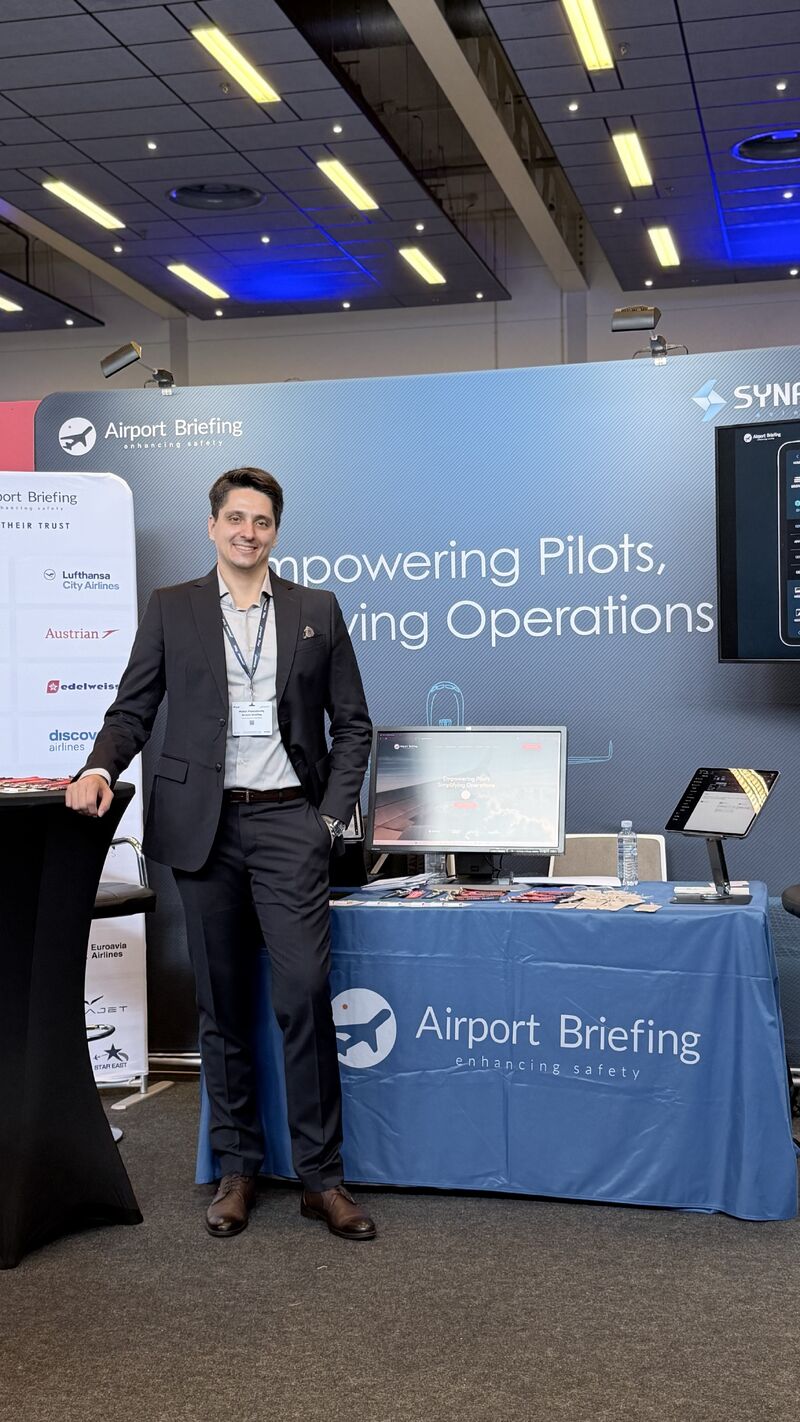
Momir PolenakovikjOperations Manager, Synapse Aviation

“Aqtos has been a game-changer for consolidating tasks and communication within our office, ensuring everything stays organized and efficient. The public board feature has been particularly impactful, allowing our clients to view and track requests in real-time.”

Dejan AleksovLawyer, ALME Law

The cost of separate subscriptions
Compare the tools your consulting firm uses with one connected business OS.
| Subscription and monthly rate | Annual cost in USD |
|---|---|
 Asana Starter10 seats × $10.99 / month Asana Starter10 seats × $10.99 / month |
$1,318.80 |
 Slack Pro10 seats × $7.25 / month Slack Pro10 seats × $7.25 / month |
$870.00 |
 Toggl Starter10 seats × $9.00 / month Toggl Starter10 seats × $9.00 / month |
$1,080.00 |
| Your stack total | $3,268.80 |
Each tool is priced for your whole team.
USD, billed annually. Paid plans for your whole team. Free plans and discounts can change the comparison.
Prices checked 6 October 2026. Vendor names above link to their pricing pages.
Asana Starter $10.99, Slack Pro $7.25, Toggl Starter $9.00 per paid seat per month on annual billing. Each row is paid seats × monthly rate × 12.
Asana offers 2–5 individual seats, then blocks of 5 up to 30, and blocks of 10 up to 100, under its published seat bands. The other tools use the selected team size.
This example assumes every seat stays active for the full year.
Aqtos BOSS* is $96 per user per year, with a minimum of 5 users. Only people with login access count; AI agents are unlimited. Taxes, promotions, add-ons and separate AI-provider subscriptions are excluded. These are different products with different features; this compares subscription costs, not identical plans.
Before you move your work
For a consulting firm, the essentials are engagement deliverables, client context, task ownership, time records and billing information. BOSS* brings those records into one workspace so the delivery review and invoice review start from the same engagement.
You can organize either type as a client project with tasks, time records and a budget. For a fixed fee, compare the planned effort with hours used. For time-based work, review recorded time against your agreement before preparing the invoice.
BOSS* gives you project budgets, recorded time, expenses and invoice records to support the review. Profit depends on your fee, consultant costs and overhead allocation; recorded hours alone are not a profit calculation.
A connected AI tool can help with the records used during delivery, such as creating follow-up tasks, changing an owner or due date, recording an expense and checking invoice status. The examples on this page show an illustrative consulting workflow.
Bring one active engagement to the demo: its scope, next milestone, team, time-recording routine and billing process. Set up that engagement first, check the records your team needs, then expand to the rest of the client portfolio.
In good company
A few of the teams already working with Aqtos.




Bring one real project
See how the deliverables, recorded hours and invoice review connect in BOSS*.
Prefer to explore yourself? Start FREE Trial
 n8n
n8n
ElenaHappy birthday, Clara! 🎉