
We shipped Task Templates in our Work > Project management module, a simple, yet powerful way to save any task configuration and reuse it with one click.
If you find yourself creating similar tasks repeatedly (client onboarding checklists, sprint retrospectives, invoice requests, bug reporting), you no longer need to rebuild them from scratch. With Task templates in our business OS, you can create a task once with all the details, such as:
- title,
- priority,
- estimated budget in hours, days, or any currency,
- description,
- attachments,
- and subtasks,
…then save it as a template and reuse it whenever you need that task again.
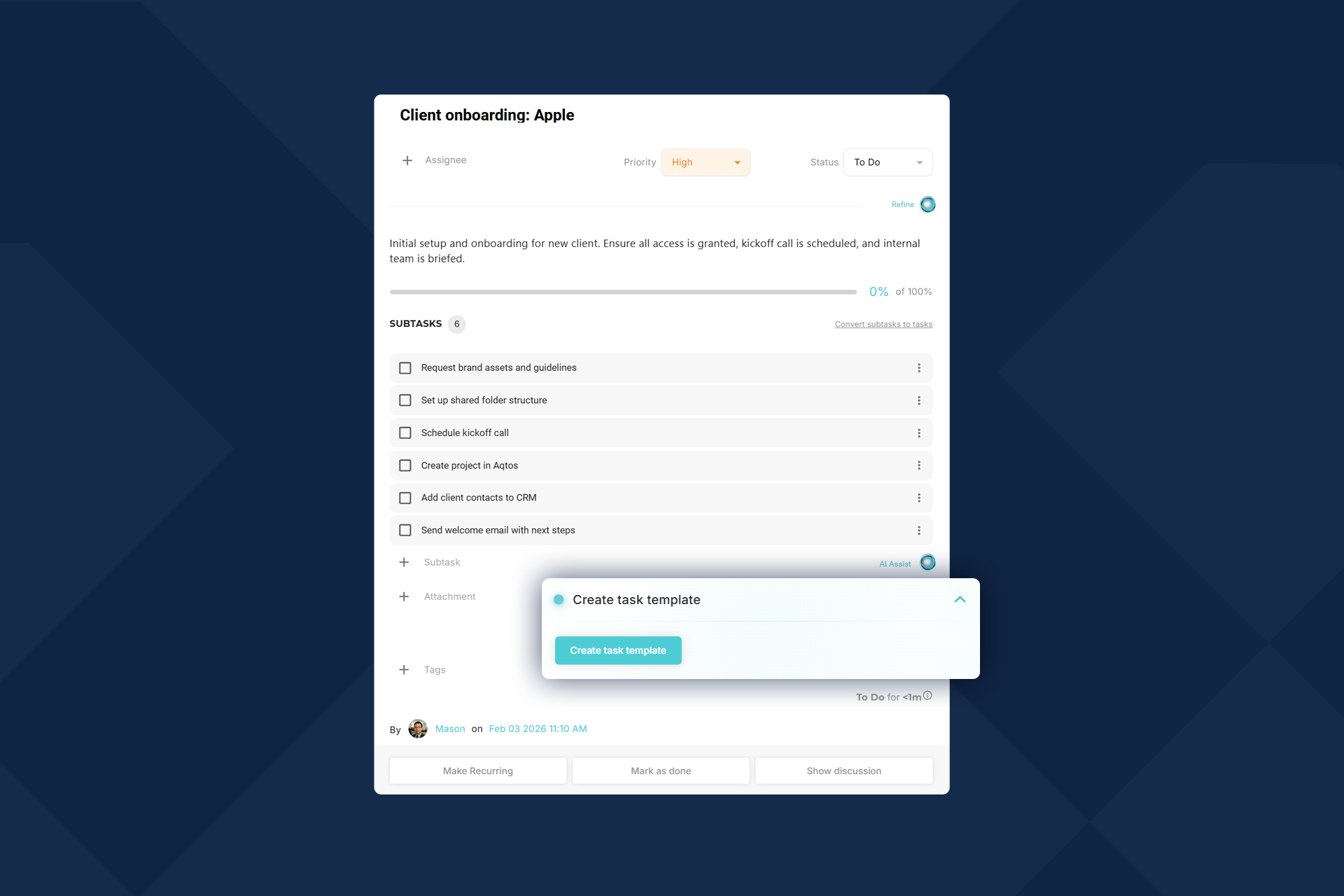
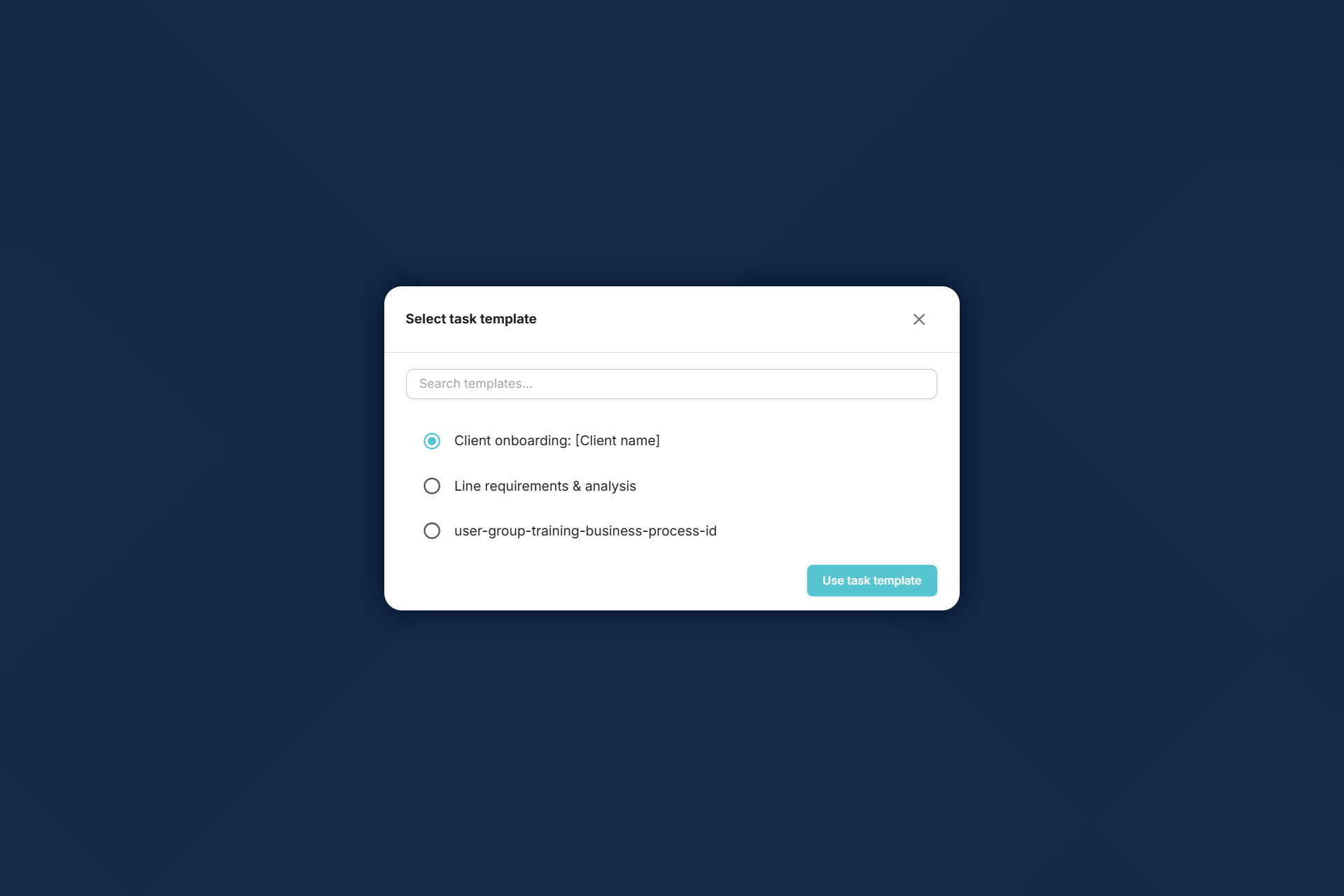
The way the saved templates work is pretty straightforward. When creating a new task, just select Choose template. Pick the template you need (every template has customizable name), and you’re done.
Templates include everything: the full description, all subtasks, attachments, priority level, and budget estimates. Whatever you saved, comes back exactly as you left it. After that you can choose to make it recurring or not.
Works across your entire workspace and templates can be easily managed through Work > Task templates. Templates you create are available to your whole team, so everyone starts from the same baseline.

 fits
fits