
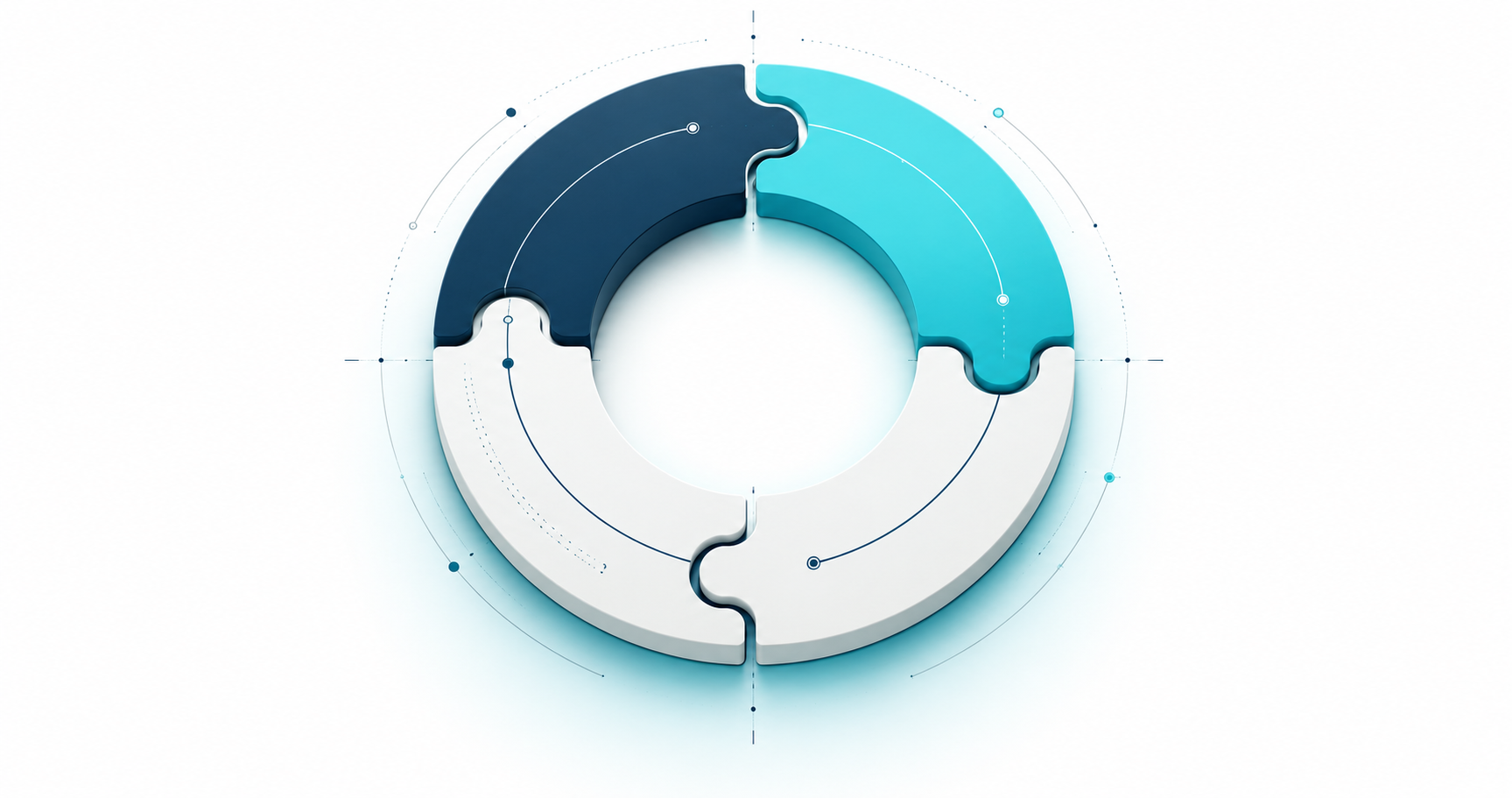
A business operating system (BOS) is the shared set of processes, responsibilities, rules and review habits a company uses to run its day-to-day work. It connects how the team sets priorities, serves clients, manages people and money, and checks progress.
In plain English: how does work get done here, who owns it, and how do we know it is going well? A useful business OS makes those answers clear enough that the company can keep moving without the founder having to explain everything again.
Originally published March 28, 2024. Updated October 15, 2026 with software guidance, a service-business example and a selection checklist.
Business operating system: the framework and the software
The term gets used in two related ways. The operating framework is how your company works: its priorities, decision-making, responsibilities, procedures and meeting rhythm. Business operating system software is the place where people put those routines into practice, using shared projects, client records, tasks, documents and business information.
You can define a business OS before buying any software. You still need to decide who approves a new request, what counts as finished work, and when the team reviews results. Software can make those decisions easier to follow and the information easier to find. Buying an app will not make them for you.
Business operating system examples
Different organizations use different operating frameworks. Three well-known examples show how broad the idea is:
- Entrepreneurial Operating System (EOS): a framework organized around Vision, People, Data, Issues, Process and Traction.
- Toyota Production System (TPS): a production approach built around reducing waste, Just-in-Time and jidoka, with continuous improvement in daily work.
- Danaher Business System (DBS): Danaher’s system of continuous improvement and the culture and processes that support it.
These examples have different histories and purposes. A service business can build a simpler operating framework around its own client work, team and finances. Aqtos BOSS*, discussed below, is an example of software that supports those daily operations.
The simpler version
A business operating system can sound like a fancy management term. The useful bit is much simpler: a shared playbook for how people work together, handle money and keep their promises to clients.
Or as we at Aqtos like to say:
Business operating system (BOS) acts like the brain of a company, organizing all data and coordinating operations.
– smartass founders of Aqtos.com
It is practically the central nervous system of the company.
Every company already has a way of operating, even if nobody has written it down. Sometimes it lives in a useful set of routines. Sometimes it lives entirely in the founder’s head. Making it explicit gives the team something they can follow, question and improve.
Here is a good illustration of good vs bad business operating systems:
 |  |
| business operator with good BOS | business operator with bad BOS |
Why is a business operating system important?
Founders and managers are under pressure. A competitor launches something and suddenly this week’s priorities are upside down. Everyone is busy, but nobody is quite sure which promise matters most. Sound familiar?
A clear business operating system gives the team a stable starting point. It makes ownership, priorities, handoffs and review habits explicit, so a change of plan can be discussed instead of spreading through a string of urgent messages.
It also gives you something to improve. If projects keep getting stuck at approval, you can look at that step, its owner and its timing. Without a shared process, you tend to get the same argument with a different client name.
To understand the importance of why your company needs some ground rules, consider the following scenario:
- You are the coach of an NBA team (pick your fav).
- To have a good performing team you have to give them a set of rules for daily operations such as: when does the team come to practice, who plays which position, which team members are first crew, which ones are substitutes, what they need to work on every practice in order to improve, etc.
- To win that championship, you also need to have a proper playbook that utilizes your team’s strengths and as well covers some scenarios like who shoots if the clock is only 3s, who blocks etc…
So, now substitute the following terms in the above example:
- NBA team = the company/organization,
- coach = the founder/manager/business operator,
- team = all the people in the organization,
- practice = daily tasks that keep the company profitable and move it forward on its vision path,
- championship = that end of year P&L statement that tells a business owner how much money is left on the table,
- the playbook = the written (or unwritten) rules/procedures of how the business operates.
A useful playbook gives the team a shared way to work. Then you review what actually happens and improve it. No championship guaranteed, but at least everyone knows which game they are playing.
A practical example: from client request to completed project
Imagine a small design agency taking on a website refresh. This is an illustrative workflow, not a customer case study. Its business operating system might look like this:
- Capture the request. The account owner records the client, the brief, the agreed scope and the next decision. The team knows where the latest version lives.
- Plan the work. A project owner breaks the scope into tasks, assigns responsibilities and sets milestones. The brief and supporting files stay with the work.
- Check who is available. Before promising a delivery date, the project owner checks workload and planned absences. If someone will be away, the handoff is agreed early.
- Handle delivery and changes. The team updates task status and records feedback. A request outside the agreed scope goes back to the person responsible for approval.
- Review the money. The project owner checks recorded time, expenses and the agreed budget. The person responsible for billing has the information needed to prepare the invoice.
- Close the loop. The team reviews what was delivered, what held it up and what to change next time. A weekly review catches unresolved issues before they become another Friday surprise.
The operating framework defines those steps and who owns them. The software keeps the relevant records together so people can follow the work from the client request to the project, the team and the money.
How to choose business operating system software
Start with one real workflow from your business. Ask the vendor to walk through it with you, including the awkward parts. A polished dashboard is easy to admire; an actual handoff is a better test.
- Fit with your work: can it handle your normal project, client or service workflow without forcing the team into a confusing workaround?
- Connected information: can you move from a client to their projects, tasks, files and financial records without copying the same details between tools?
- Clear ownership: can everyone see who is responsible, what is due and what needs approval?
- People and access: can you account for team availability and give people appropriate access to the information they need?
- Useful reporting: can you inspect the underlying work behind a number and use it in your regular review?
- Setup and adoption: how will you import existing information, teach the team and keep your procedures current? Read the documentation before committing.
- Total cost and exit: check the plan, user limits, required integrations and export options. Test the parts you will actually use.
Start with a manageable part of the business, agree how it should work, and review it with the people doing the work. You can expand the system once the basics hold up in an ordinary working week.
Meet Aqtos BOSS*: software for the working day
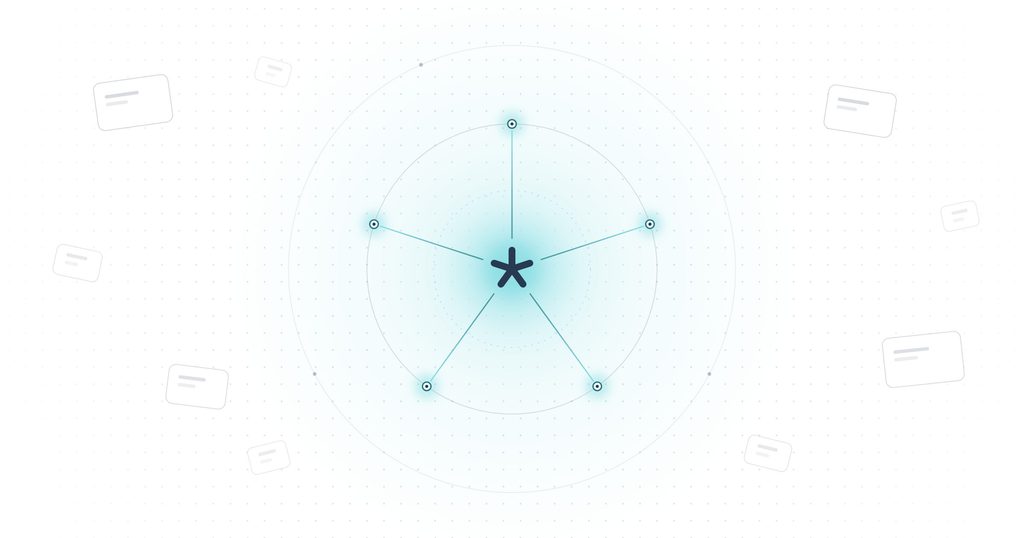
At Aqtos, we built an opinionated SaaS product around five connected parts of running a business: WORK, PEOPLE, MONEY, OFFICE and TECHNOLOGY. BOSS* stands for Business Operating System as a Service.
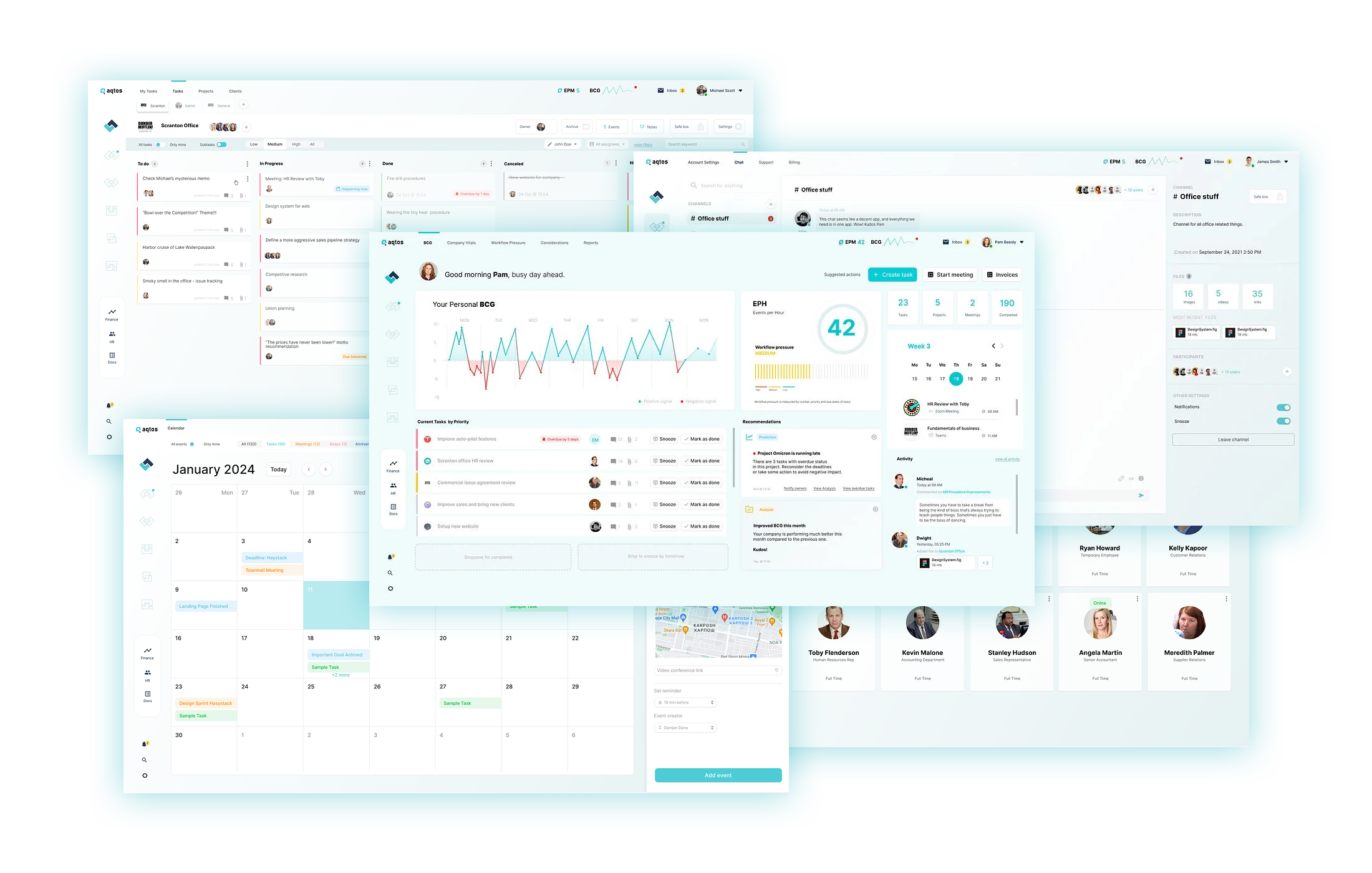
BOSS* brings projects and tasks, client records, HR and absences, recruiting, expenses and other business information into one workspace. The point is to keep the context around the work available to the people who need it. You can explore the current capabilities on the BOSS* features page and see the workspace in the product tour.
It can also connect supported AI tools to Aqtos through MCP. What an assistant can read or do depends on the connection, the available tools and the user’s permissions. The MCP and AI connection guide explains how that works.
Our logic is simple: the best business operating system for your company is one your team can actually use, understand and improve. It should help you see the work, the people and the money with enough context to make the next decision.
Want to see what that looks like for your team? Book an Aqtos demo, or browse the BOSS* documentation for a closer look at the day-to-day workflows.
tnx for reading.
Cheers,
Damjan Dano
Founder

 fits
fits
Comments are closed.