April has been one of our busiest release months of the year. We rebuilt the CRM module from the ground up, connected Aqtos to the wider automation ecosystem through a verified n8n node, and shipped a public jobs page that turns your workspace into a recruitment channel without any setup. Eight major changes in total. Here’s everything that landed this month.
CRM, completely overhauled
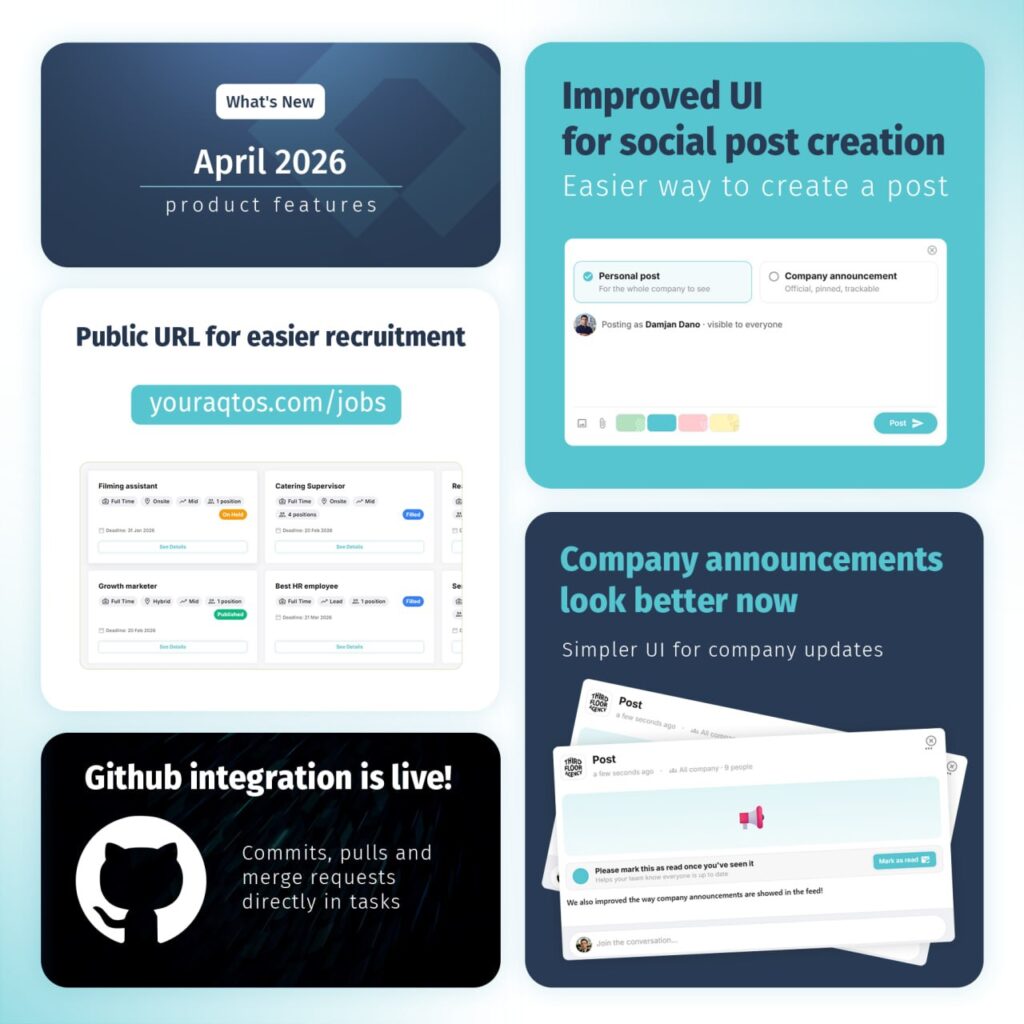
The CRM module got the full treatment. We rebuilt the contacts view from scratch with a faster Rolodex, cleaner filtering across contacts, leads, clients, employees, and companies, and an alphabetical jump-to navigation that makes scanning through hundreds of records genuinely pleasant. The new layout surfaces what you actually need (tags, agency relationships, quick context) without the visual clutter of the previous version.
If you live in your CRM all day, this one is for you.
GitHub integration is live
Aqtos tasks now speak Git. Commits, pull requests, and merge requests can be linked directly to the tasks they relate to, so there’s no more switching tabs to work out which branch closed which ticket. For engineering teams running sprints inside Aqtos, this closes the loop between code and project management without forcing anyone to leave the tool they’re already in.
Connect your repo in settings and the rest happens automatically.
Aqtos is now a verified n8n node
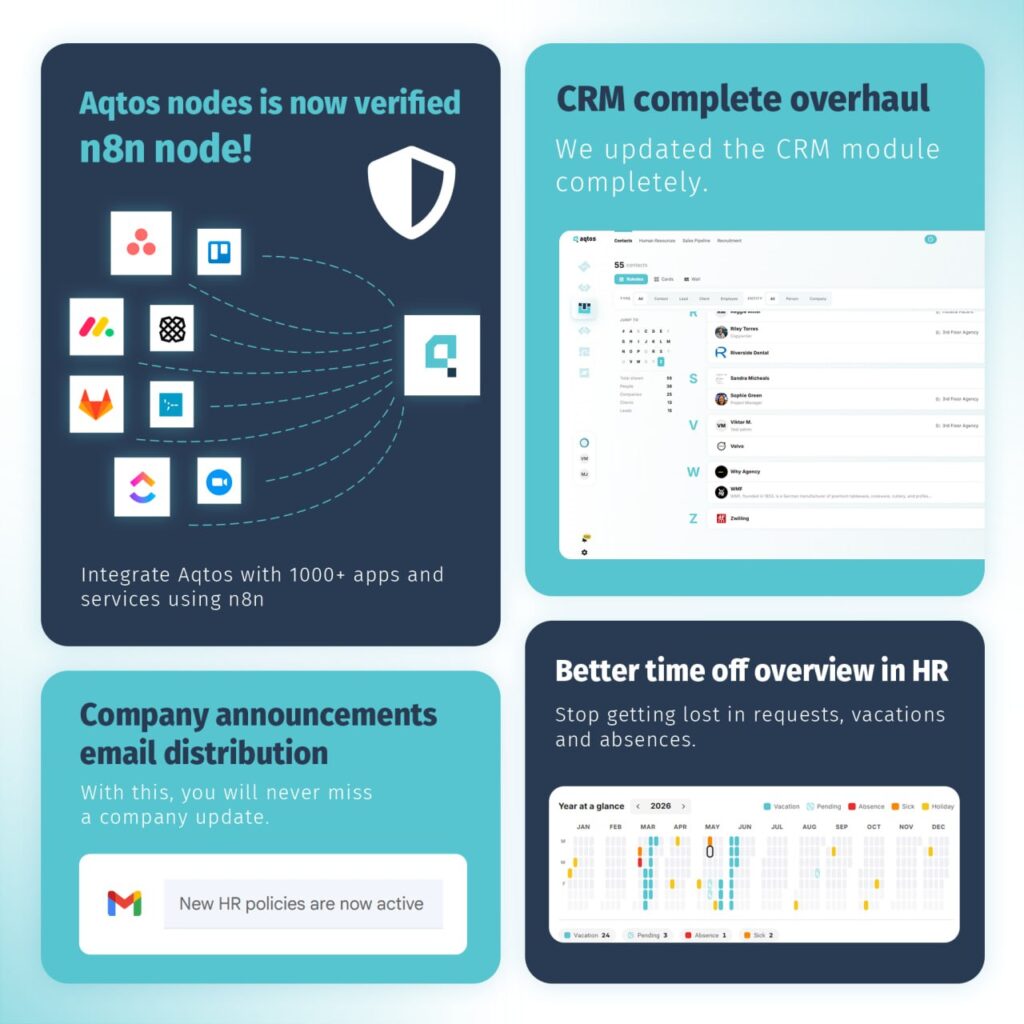
This one unlocks a lot… Aqtos is now an officially verified node on n8n, which means you can connect your workspace to 1,000+ other apps and services (Slack, Stripe, Notion, HubSpot, Google Sheets, anything n8n supports) without writing a line of code. Trigger a workflow when a task moves to “Done.” Auto-create contacts from form submissions. Coordinate tasks with other tools. Push HR data to your payroll system on a schedule. If you can sketch the workflow, you can almost certainly build it now.
A public URL for recruitment
Every Aqtos workspace now gets a public jobs page at youraqtos.com/jobs. Any role marked as “Published” shows up automatically, so candidates can browse open positions, see job types and deadlines, and apply without needing an account, and the best of all – all those applications go into your business OS. It’s a simple way to take your hiring public without paying for an external job board or hand-coding a careers page.
Improved UI for social post creation
Creating internal posts is noticeably faster now. The new composer makes the personal-vs-company-announcement distinction explicit up front, and attachments, emoji, and formatting are all reachable from a single toolbar. A small change, but the kind that adds up. People post more when posting is frictionless.
Company announcements, redesigned
Announcements now look like announcements. The refreshed format gives company-wide updates the visual weight they deserve, with a built-in “Mark as read” flow so you can see exactly who’s caught up and who hasn’t. No more wondering whether your all-hands message actually reached everyone.
Email distribution for company announcements
Building on the announcement redesign: company-wide posts can now be distributed by email in addition to appearing in-app. So even teammates who haven’t logged in that day won’t miss the new HR policy, the office closure notice, or the quarterly kickoff message. Toggle email distribution on per announcement. It’s off by default, so nothing gets sent without you choosing to.
A clearer time-off overview in HR
The HR module’s year-at-a-glance view has been reworked. You can now see vacation, pending requests, absences, sick days, and holidays for the whole team across the calendar year in a single grid. Color-coded, filterable, with totals at the bottom.
No more bouncing between request lists trying to work out who’s off next Tuesday.
That’s eight features for April. As always, everything ships automatically, with no action needed on your end. If you have questions, run into something odd, or want to weigh in on what we should build next, drop us a line.