
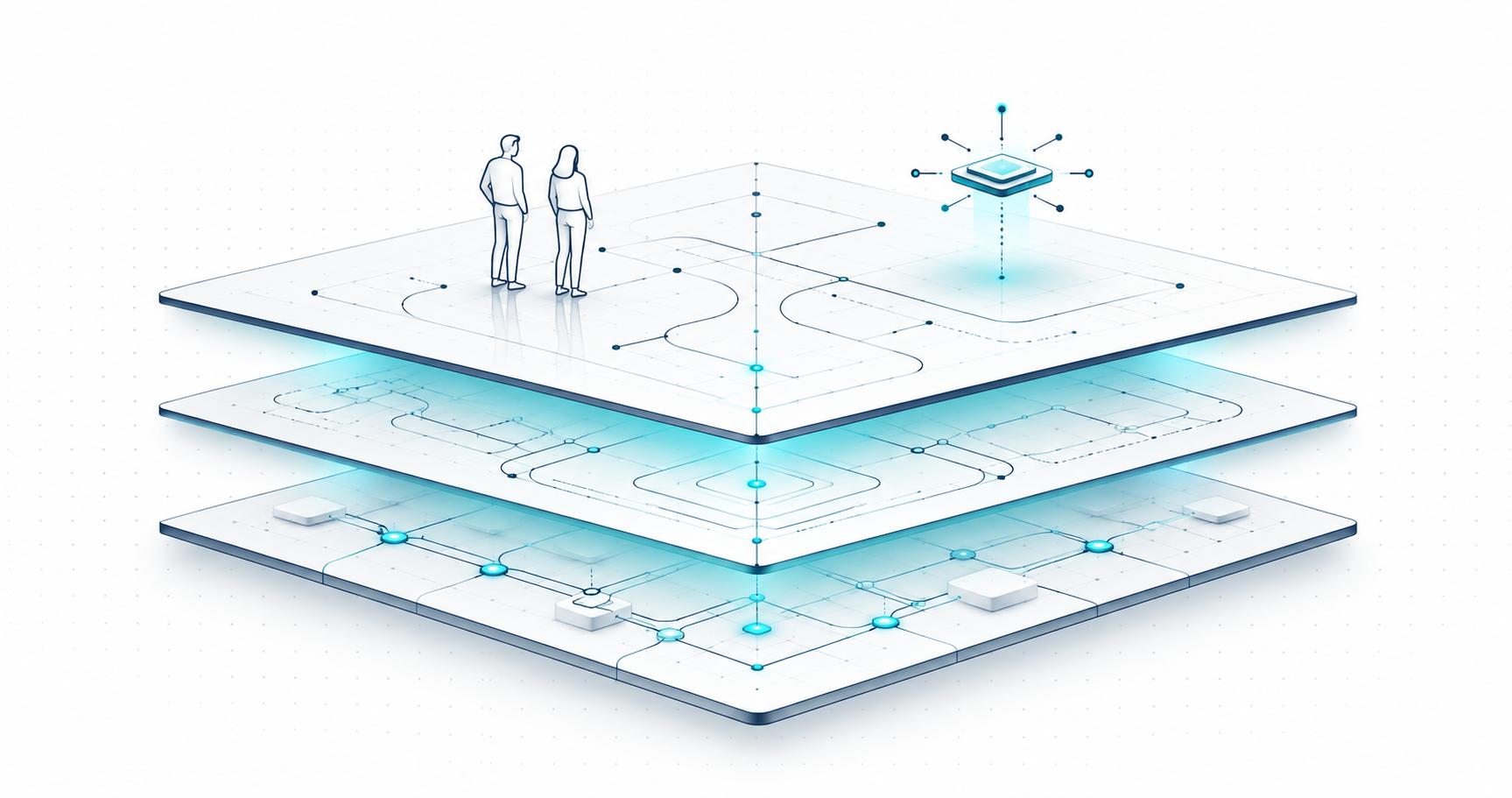
TL;DR: A company OS connects the work your team does with the clients, people, money and decisions behind it. We’re building Aqtos BOSS* around those connections, so your team and authorized AI agents can work with the same business context. Projects and tasks are part of the picture. So are the colleague who’s away, the cost attached to a project and the invoice still waiting to be paid.
Project management tools are everywhere. They’re slick, colorful, and often very good at helping you move tasks from “To Do” to “Done”, while flying over “In Progress”. Great.
Then a client asks for a change. The person who knows the account is on leave. There’s an extra supplier cost, and nobody remembers whether the last invoice was paid. The board still looks tidy. Your morning does not.
When we started building Aqtos, we wanted software that reflects how companies actually work. That’s why we’re building a company OS, delivered through BOSS*: Business Operating System as a Service.
What we mean by a company OS
For us, a company operating system, or company OS, is software that keeps the work connected to the client, people, costs and decisions behind it. It gives the team a shared place to manage those records and follow through.
The term also gets used for management frameworks and ways of working. We explain that broader meaning in our guide to what a business operating system is. Here, we’re talking about the product choices behind Aqtos: what should be connected, who needs access, and how the system helps people follow through.
Software alone won’t decide who approves a scope change or what your team considers finished. You still need those agreements. A useful company OS gives them somewhere to live in the daily work.
Why the work extends beyond the project board
A task has a status. A company has consequences.
Finishing a client project means more than moving its last card. Someone needs to check the agreed scope, record the work, account for costs, issue the invoice and make sure the next person can pick up the relationship. Each step depends on information from another part of the business.
When those details live in separate tools, a person usually becomes the connection. They copy a client name into another form, ask who’s available, hunt for the latest document and reconcile two versions of the same number. Often that person is the founder. Sometimes it’s whoever happened to answer first.
That is the problem we want BOSS* to address. Project management remains important. It becomes more useful when the surrounding business is in view.
What Aqtos BOSS* brings together
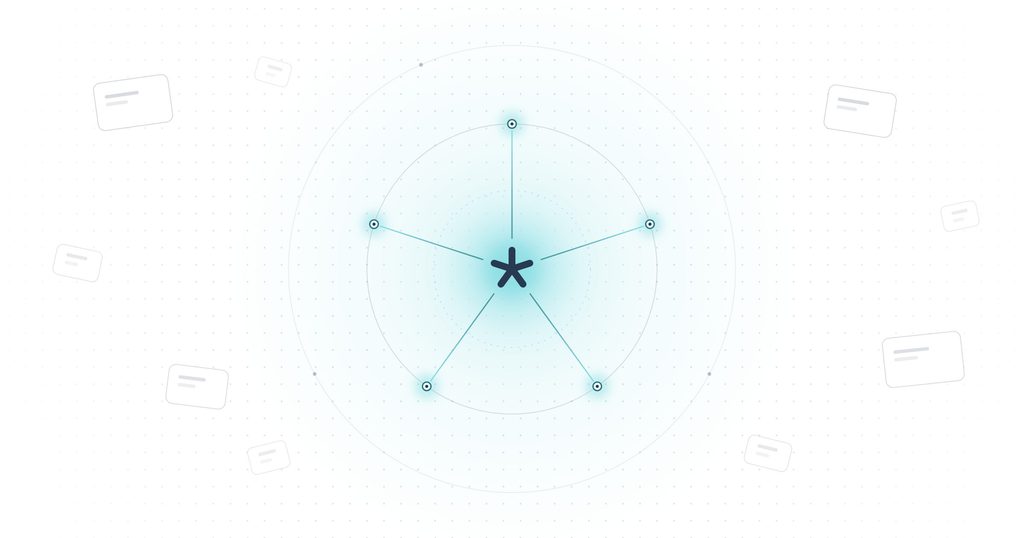
BOSS* is our flagship workspace for the daily operation of a company. Its five areas organize the details that keep crossing each other in real life:
- Work: projects, tasks, owners, milestones, time tracking and budgets. See what needs doing and how delivery is progressing.
- People: employee profiles, roles, departments, leave, absences, attendance and recruitment. Check availability before making a commitment.
- Money: clients, CRM, sales opportunities, expenses and invoices. Keep the commercial relationship and the financial records close to the work.
- Office: company updates, conversations, documents, events and polls. Give shared information a place the team can return to.
- Tech: integrations and supported AI-agent connections. Keep useful specialist tools connected to the business around them.
You can explore the details in the BOSS* feature overview. The important part is how the records relate. A client record can bring together contacts, projects, tasks and invoices. An expense can carry its vendor, category, project and payment status. A leave record tells you something a task deadline cannot.
A company OS in practice: one client project, several moving parts
Imagine a small agency delivering a website. The client asks for an additional landing page, and the designer is away next week. Here’s the workflow we want to make easier:
- Start with the client. Open the client relationship and the linked project. Review the request and record the agreed scope so the team has a clear reference.
- Check the work and the people. Look at open tasks, owners and deadlines, then check leave and availability before promising a delivery date.
- Make the handoff concrete. Give the landing-page task an owner, a brief, a due date and any necessary subtasks. Keep the relevant discussion with the work.
- Keep costs in the picture. Record the extra supplier or hosting expense against the project. Review it alongside the project budget and recorded time.
- Follow through on billing. Check the client’s invoices and recorded payment status. Create the next follow-up task if something needs attention.
BOSS* brings client management and project delivery into the same workspace. You still decide whether to accept the extra work, change the price or move the deadline. The aim is to make the information for that decision easier to find.
This example is deliberately ordinary. Agencies, consultancies, software teams and other service businesses handle versions of it every day. A useful system has to survive that ordinary Tuesday.
Why AI agents need company context
An AI assistant can help draft a project plan from a paragraph. To help run the actual project, it needs to know which client you mean, what work is open, who owns it and which records it is allowed to access.
Without that connection, someone has to keep assembling the context: paste the task list, explain the client, upload the spreadsheet, correct the old deadline. The quality of the answer depends on what made it into the conversation.
This is why we describe Aqtos as an operational context layer. In plain language, it is the place that keeps the business records and their relationships available to the people and authorized tools doing the work. We explore the problem further in why context matters.
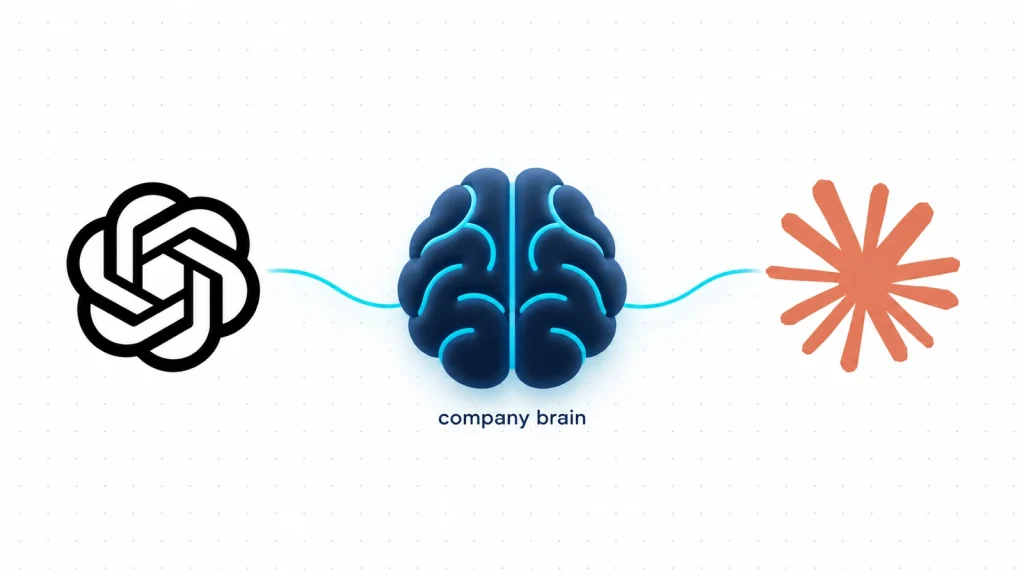
With a supported connection, an assistant such as Claude or ChatGPT can work with the tools exposed by your Aqtos instance. Depending on that connection, you can ask it to find project information, create a task, update a deadline or record an expense. A question about an unpaid invoice can become a follow-up task in the same business workspace.
Access matters here. An AI agent uses the connected account’s role and permissions. It can only view or change the records that access allows, and available actions also depend on the AI client and the tools your instance exposes. Connecting an assistant does not give it unrestricted access to the company.
Our MCP connection guide explains supported setup routes and authentication. Start by checking which tools the connection makes available. For changes, ask the assistant to show the proposed action and wait for your confirmation, then check the result.
Your team can also use BOSS* directly on the web or mobile. AI is another way to work with the shared records; the workspace remains useful without it.
Keep the tools that earn their place
A company OS should make your working day simpler. It doesn’t require every specialist tool to disappear.
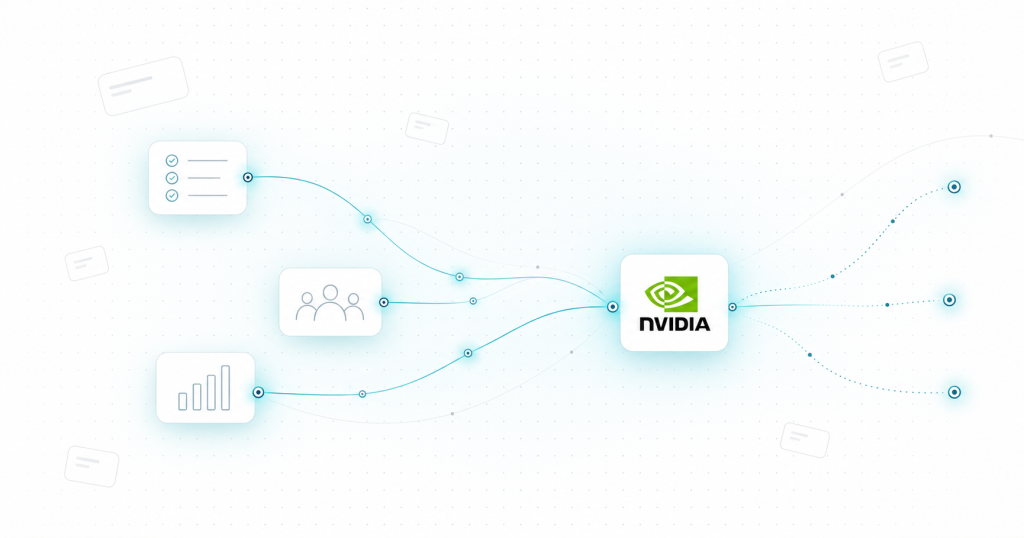
A development team may still need GitHub. A team may want project notifications in Slack or an n8n workflow that turns an enquiry into a lead. The useful question is which information should flow into the company workspace, who owns it and what should happen next.
Start with one workflow and test the connection with real records. The Aqtos integrations overview shows the available routes. Check what each integration actually supports rather than assuming everything syncs in both directions.
What we’re building toward
BOSS* is the everyday workspace at the center of this approach. Around it, we’re developing the wider Aqtos product family: DATA for business data through an API, BCG for understanding company signals, and Aqtos AI for assistance with business context.
As of October 2026, DATA is in beta, while BCG and Aqtos AI are in alpha. We’re developing those products around the same connected business records.
Our bet is simple: connected, well-kept company records make both people and AI more useful. That requires everyday discipline too. Clear owners, current statuses, sensible permissions and recorded decisions do more for a business than another impressive-looking dashboard.
Start with the handoff that keeps breaking
If you’re considering a company OS, choose one recurring problem to test: client onboarding, delivery handoffs, leave planning or unpaid-invoice follow-up. Follow it from the first request to the final action.
Can the next person find the brief? Is the owner clear? Are the relevant costs and client details connected? Does the system help the team finish the work without asking three people where things are? Those are better tests than counting features.
That’s what we’re building BOSS* for. Bring one of your real workflows to a BOSS* demo, and we can walk through how the pieces fit.
Updated October 16, 2026 to reflect the current BOSS* workspace, AI-agent connections and Aqtos product direction.
 fits
fits